
Fergie Baby AI Video Generator
Turn one photo into a 15-second Fergie Baby AI video with a confident entrance and AI-generated music. Download your vertical MP4 when it is ready.
- 15 Seconds
- 720p MP4
- 9:16 Vertical
One person. Clear face. Full body works best.
50 credits per video
One photo transformed into a Fergie Baby AI video.
Explore Fergie Baby AI Video Examples
One photo, one viral walk. See what AI can create.
How to Make Your Fergie Baby AI Video
Upload Your Photo
Choose a clear photo of yourself with your face and outfit visible.
Generate Your Video
Our AI animates your photo using a preset motion reference and creates the soundtrack.
Download & Share
Preview your video, download the MP4, and share your creation.
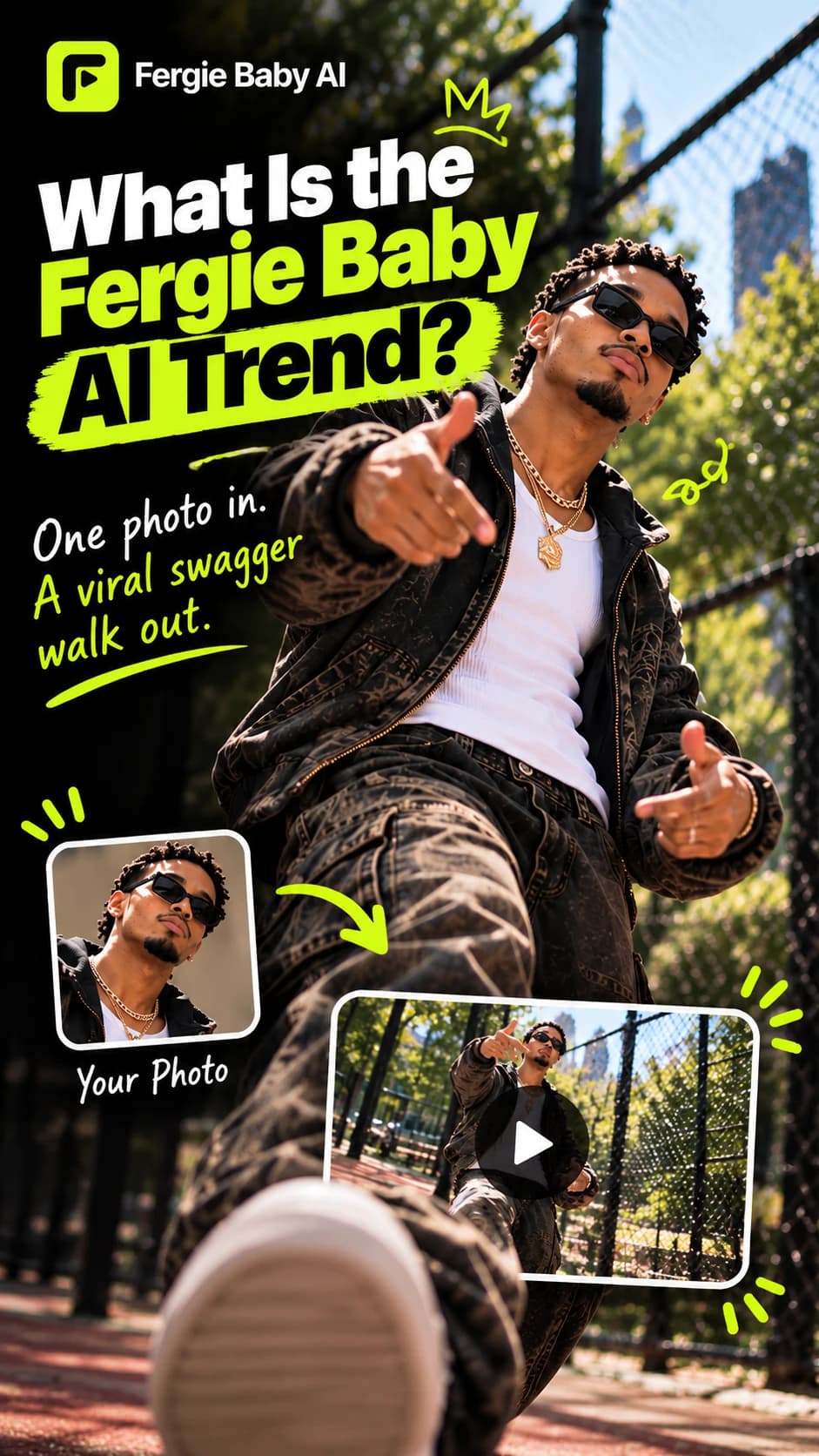
What Is the Fergie Baby AI Trend?
Trend Definition
Fergie Baby AI is a person-swap video trend: one uploaded photo supplies the subject, while a fixed motion reference shapes a confident park entrance and camera-facing performance.
Origin & Cultural Context
Fergie Baby, a Harlem rapper, is associated with the street-style clip. Its timeline is traced to September 26, 2026, with AI recreations appearing in mid-October as more people adapted the performance.
Why It Is Popular
A chain-link gate, red path, loose shoulder rhythm, expressive hands, and a camera moving backward make the scene easy to recognize. The fun is the contrast: an everyday portrait becomes a main-character entrance, with each person’s look changing the familiar sequence.
- The Entrance
- Step through the park gate to set up a confident entrance.
- The Bounce
- Easy steps and a relaxed shoulder bounce carry the rhythm.
- The Attitude
- Expressive hand gestures and a point bring the camera-facing moment to life.
Use a photo of an adult who has given permission. AI results can vary in likeness, clothing, and movement.
Best Photos for Fergie Baby AI Videos
Your photo guides the person and outfit; the preset motion supplies the park scene and movement. Choose a clear image.
Face the camera
A solo, front-facing photo in soft, even light shows facial features clearly. Blur, deep shadows, and dim lighting hide detail the model needs to preserve your likeness.
Choose your framing
Full-body photos show proportions, stance, and the complete outfit. Waist-up photos provide more face and upper-body detail, but unseen trousers or shoes may need to be generated.
Keep features visible
Avoid sunglasses, masks, hands, or hair covering your face. Obstructed features give the model fewer identity cues, which can weaken likeness.
Use any everyday setting
A park photo is not required. Bedroom, street, or plain indoor photos work because the preset reference supplies the park entrance, path, and motion. A simple background keeps focus on you.
Make the outfit easy to read
Clothing can vary when hidden, cropped, dark, or patterned. Show the full look in even light; simple, visible clothing gives a clearer guide, though exact matching is not guaranteed.
Fergie Baby AI Video Pricing
One-time credit packs with no subscription. Purchased credits never expire. Sign in and have at least 50 credits to start a video.
- One-Time Payment
- No Subscription
- 50 Credits Per Video
Fergie Baby AI Questions
01What is Fergie Baby AI?
Fergie Baby AI turns one authorized adult photo into a 15-second, 720p vertical video with AI-generated music. The motion-reference video at the top of the home page demonstrates the preset movement and is not personalized. The Examples gallery pairs source photos with approved AI-generated sample videos; they show possible results, not results made from your photo.
02How do I make a Fergie Baby AI video?
Choose a photo, confirm you have permission to use it, then generate. Sign-in and the displayed credit cost apply when you start; completed videos appear in My Videos.
03What photo works best?
Use one sharp, well-lit photo of an adult, with the face and outfit clearly visible. A solo, full-body photo gives the model more detail to work with; a knees-up photo can work too if the face is clear. Avoid group shots, sunglasses, or anything covering the face. Only upload your own photo or one you have permission to use. Read our Safety and Terms rules.
04How much does one video cost?
One video uses 50 credits. Packs are one-time payments with no subscription.
05What happens if generation fails?
Credits return after a confirmed technical failure. Unknown submissions are reconciled before another generation or credit return; this is not an automatic cash refund. A completed result is not refunded just because its appearance varies. See our Refund Policy.
06How long can I download my video?
Completed videos are available for 7 days. Download a copy during that time, or delete the finished task sooner from My Videos.
07Can I make a Fergie Baby AI video from just one photo?
Yes. One photo of an adult that you own or have permission to use is enough. A clear, front-facing image helps the model follow your likeness; the result is a 15-second vertical video.
08Do I need to write a Fergie Baby AI prompt?
No. Choose your photo and start generation; a fixed motion reference and preset instructions provide the scene and actions. There is no prompt to write.
09Can I share my Fergie Baby AI video on TikTok?
Yes. Download the finished 9:16 MP4 and upload it to TikTok if it meets the platform’s rules. Review the clip first and include any AI disclosure required by the platform or applicable law.
10Is my photo private?
Yes. Your photo and finished video are stored privately in your account and are not posted publicly or shown to other users. Your result appears in My Videos, where you can delete eligible tasks.
11How long is the video and what format is it?
Each result is 15 seconds: a 720p vertical MP4 with a 9:16 aspect ratio.
Ready to Make Your Entrance?
One photo. One Fergie Baby AI video. Your next viral moment starts here.
Create My AI Video